Google Calendar sync
Grove now syncs natively with Google Calendar. Every session you schedule lands on your Google Calendar the moment you save it, titled with your client's name, in the right timezone, with a link back to their page. Recurring sessions sync as recurring events. Your Google busy times appear on your Grove schedule as read-only blocks, and a session that collides with one gets flagged so you can reschedule, cancel, or keep both before it becomes a double booking.
Google Calendar sync
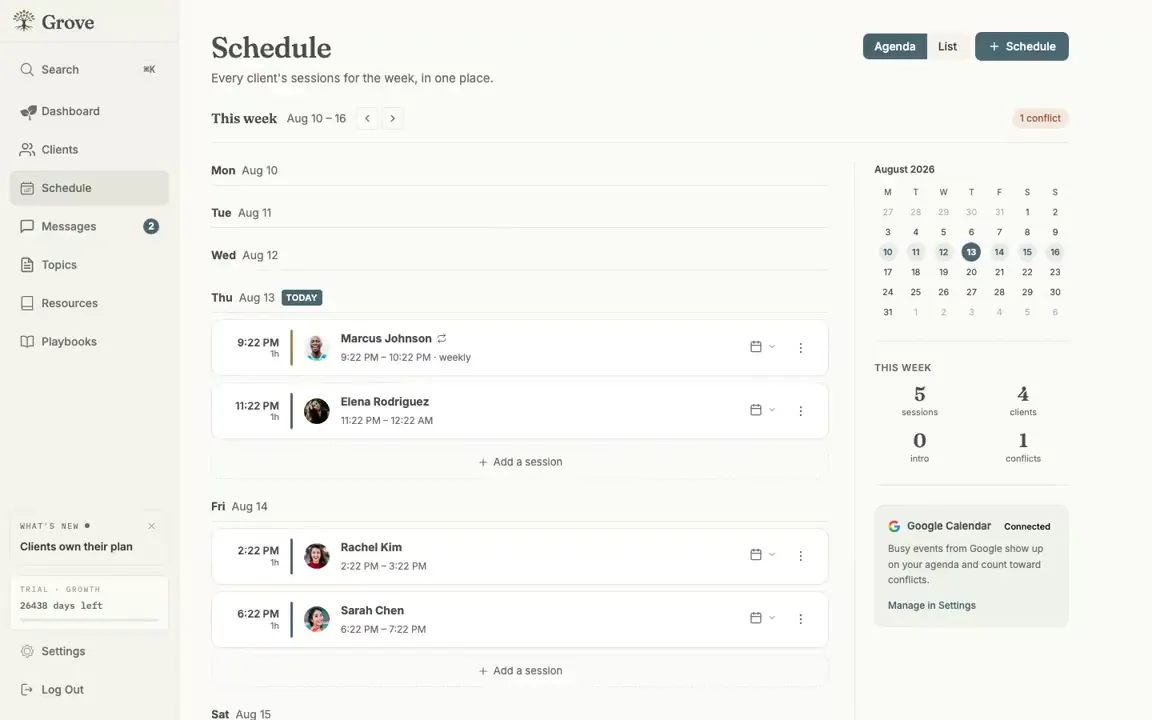
Your Google busy times sit on your Grove schedule, and conflicts get flagged.
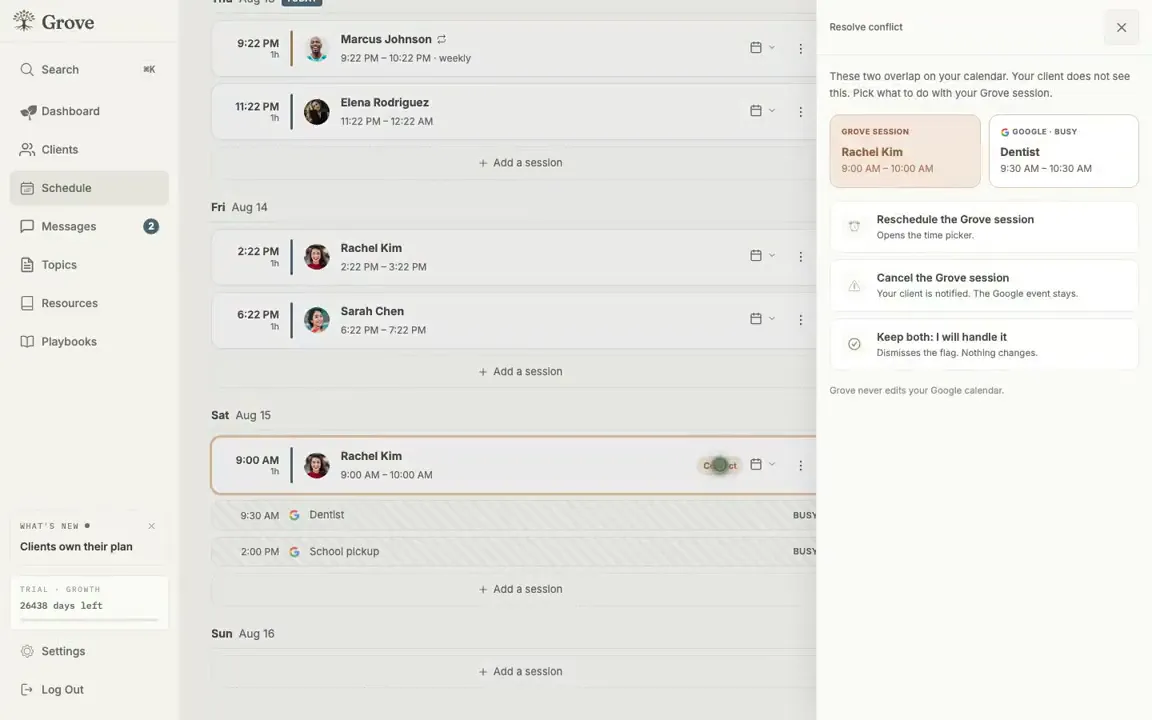
Resolve a collision without leaving Grove: reschedule, cancel, or keep both.
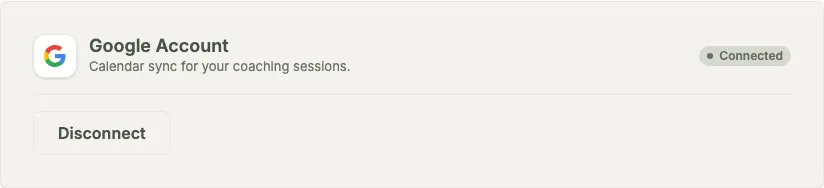
Connect once in Settings and the sync runs on its own.
Your calendar is where your week actually lives, so Grove now meets it there. Connect your Google account once and every session you schedule in Grove lands on your Google Calendar the moment you save it: titled with your client’s name, at the right time in the right timezone, with a link straight back to their page in Grove. Recurring sessions sync as recurring events, matching the cadence you set.
It reads as well as writes. Your Google busy times show up on your Grove schedule as read-only blocks, so you can see your whole day while you book. If a session collides with something already on your calendar, Grove flags it and opens a resolve drawer with the session and the busy block side by side: reschedule, cancel, or keep both, your call.
Writes run one way, from Grove to Google. Schedule, reschedule, and cancel in Grove and your calendar stays right; Grove never edits your Google events. For clients on other calendars, session confirmation emails carry a calendar file they can add anywhere.